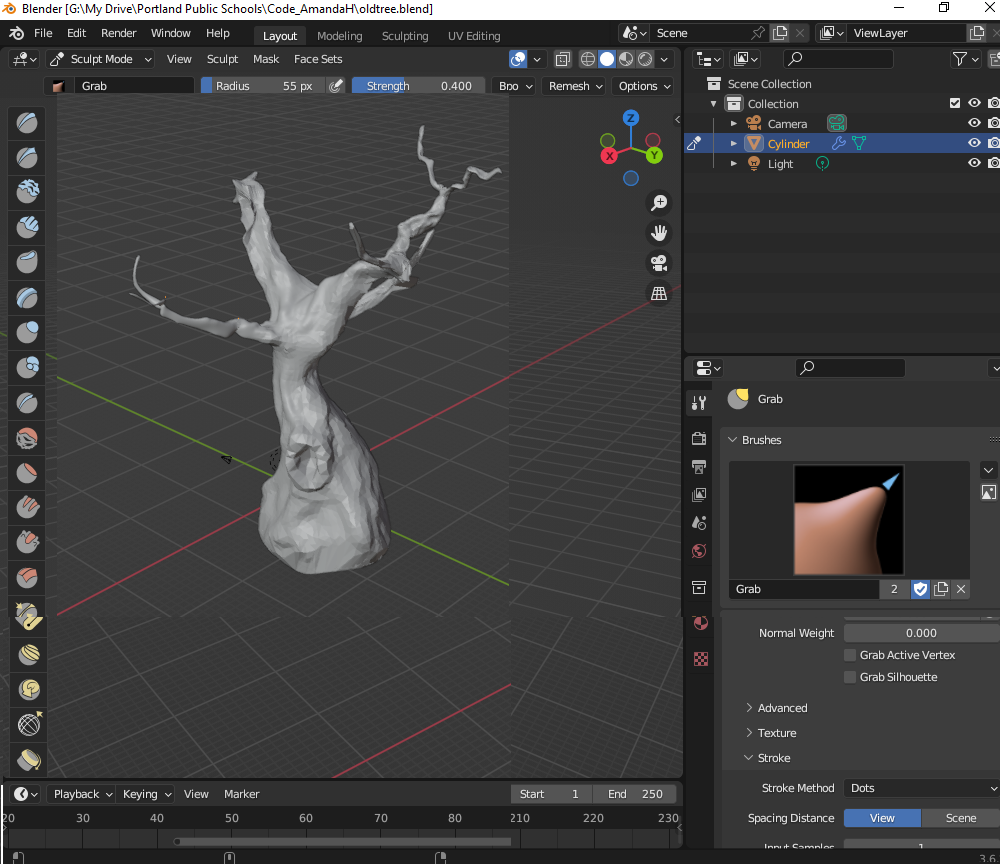
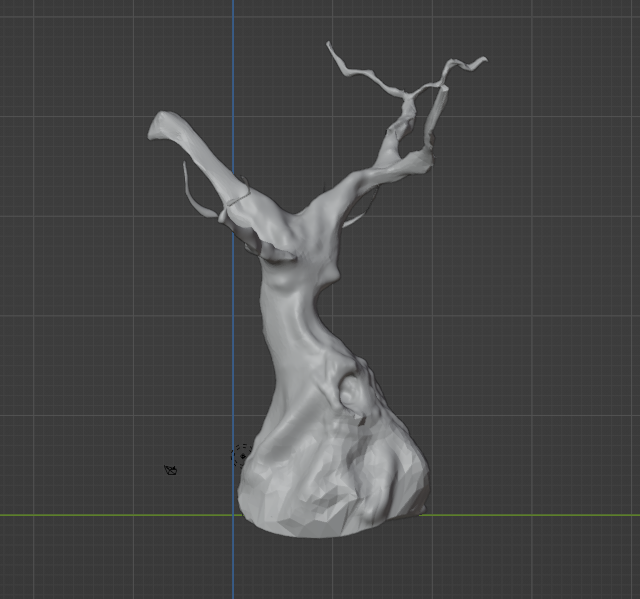
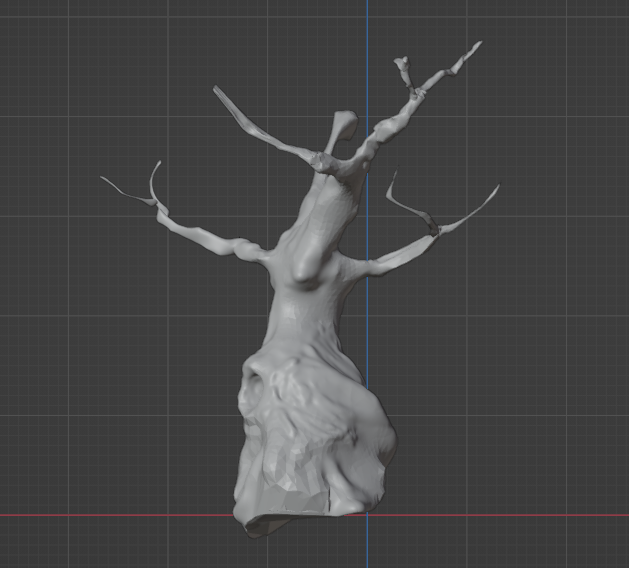
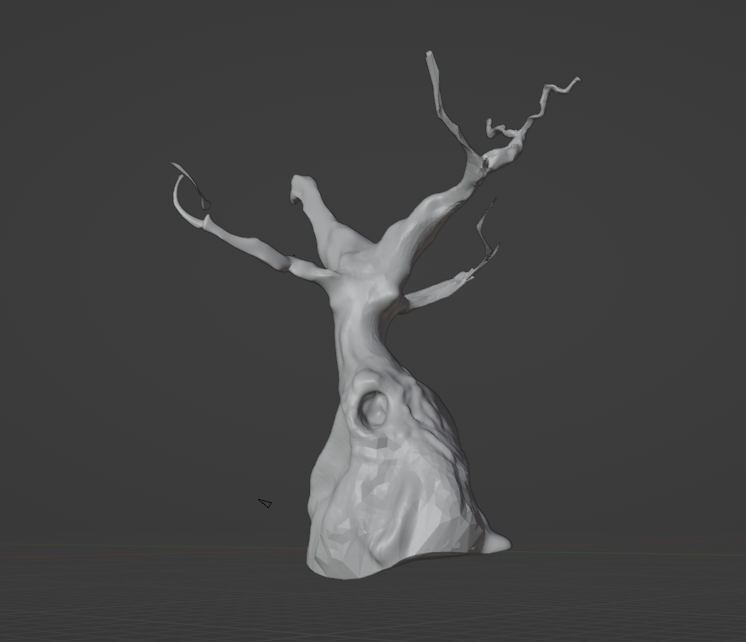
The projects starts with a cylinder objects and is adjusted with the size and rotating options. And it is further added onto with the extrude option which extends the face of an object. Using the extrude, sizing, and rotating options you can create branches. After make the foundation of the project I worked on making it look a bit more realistic by adding on small details. Using sculpt mode you can add depth and dimensions to your project and have it look more life like. Using the dyntopo at a constant detail you can smooth out the surface of the object, but this will create more vertices that will slow down blender. At the end of the project you can use dyntopo to smooth the object all around to get rid of any sharp edges. You can also use the grab option to pull the object in the direction you like instead of the object looking completely straight. Save your work and take a screen capture of the project.